
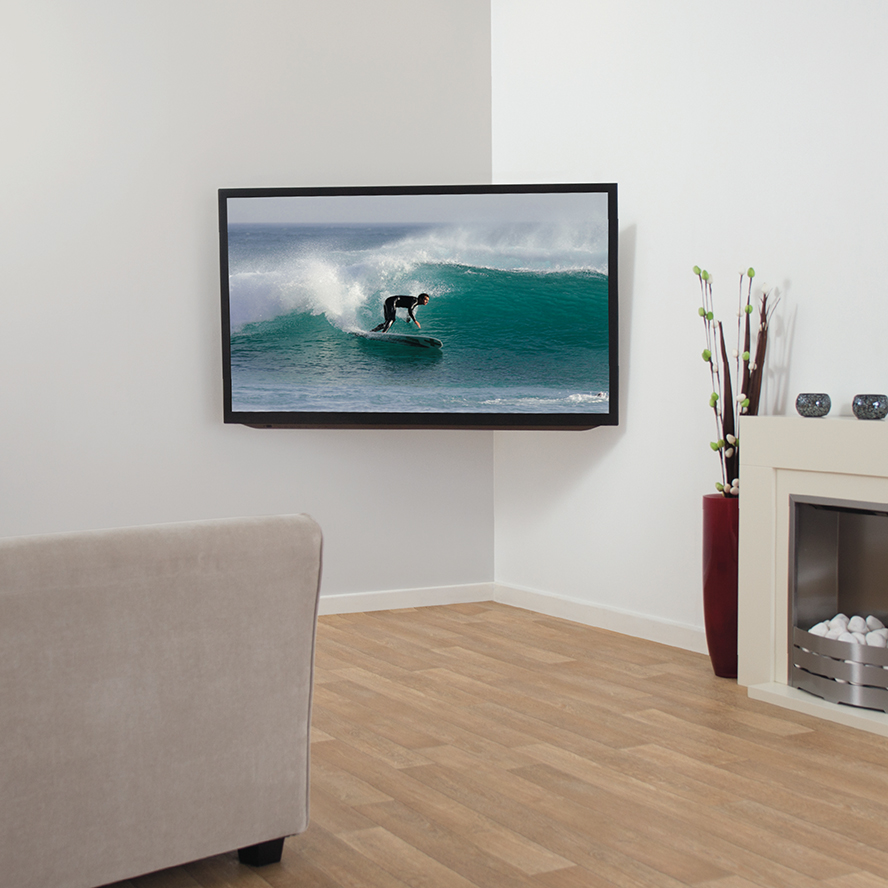
SKU: RGL604-F
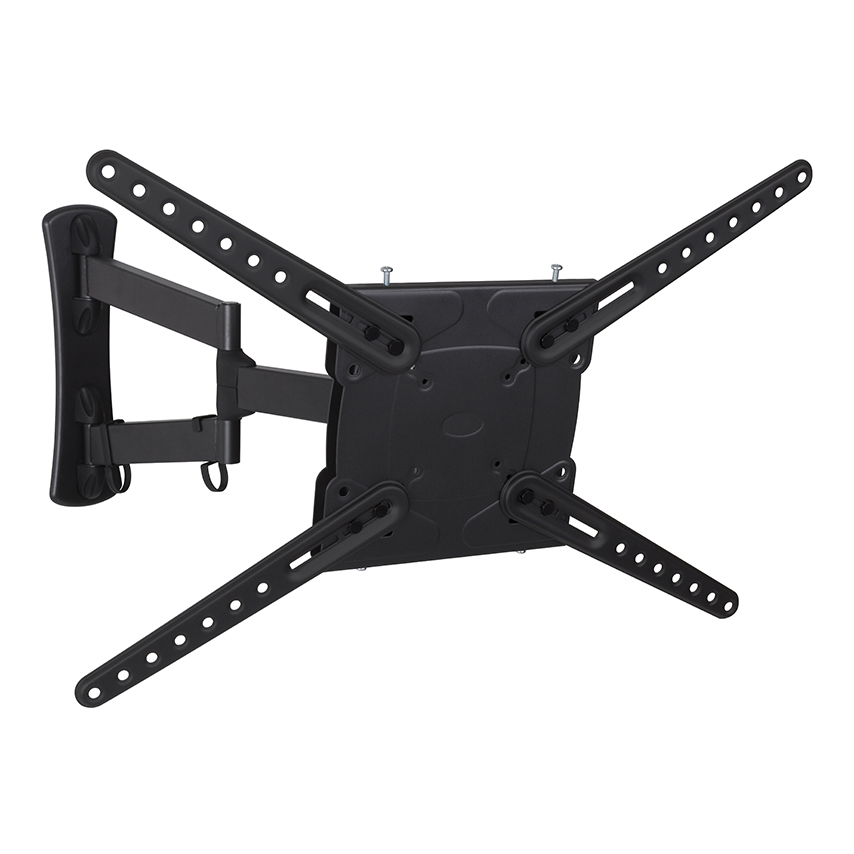
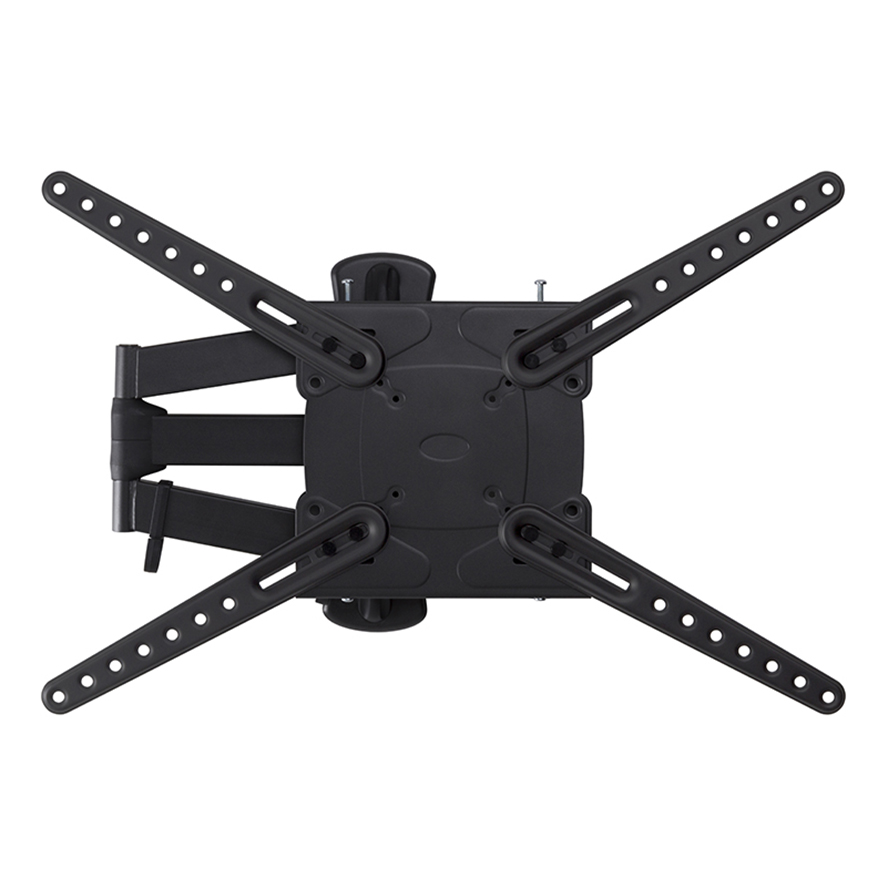
RGL604-F: Orbital Multi Position TV Wall Mount
- Fully Adjustable, view from any angle.
- Adjusts to avoid window glare.
- Perfect for Corners.
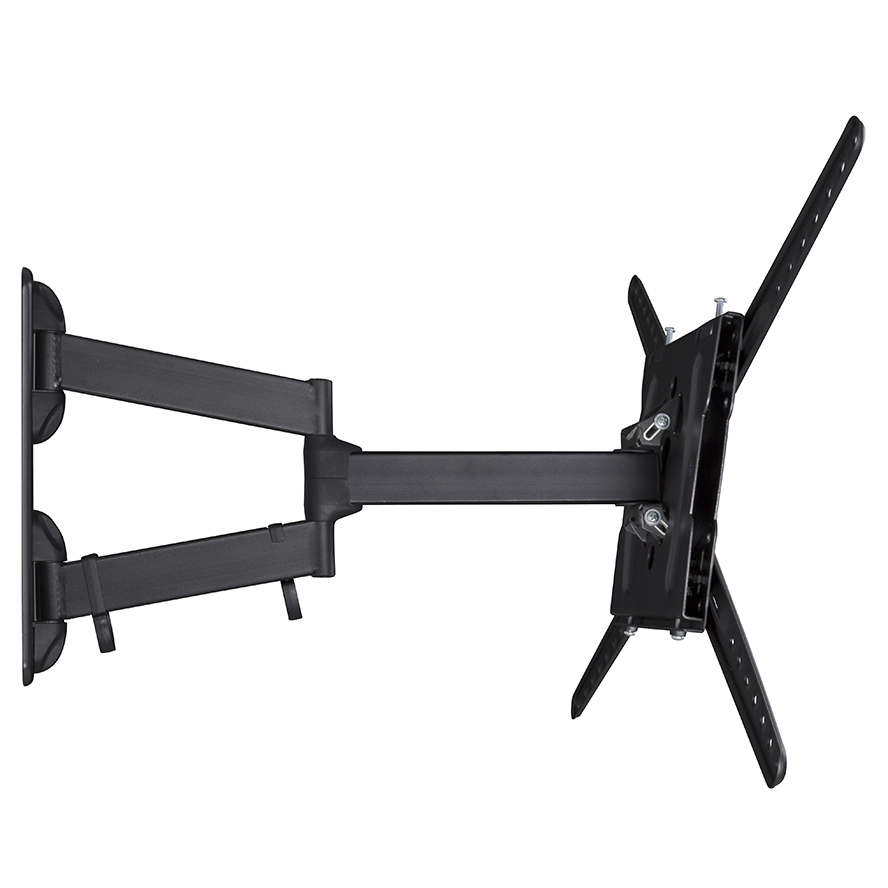
- 180° Swivel.
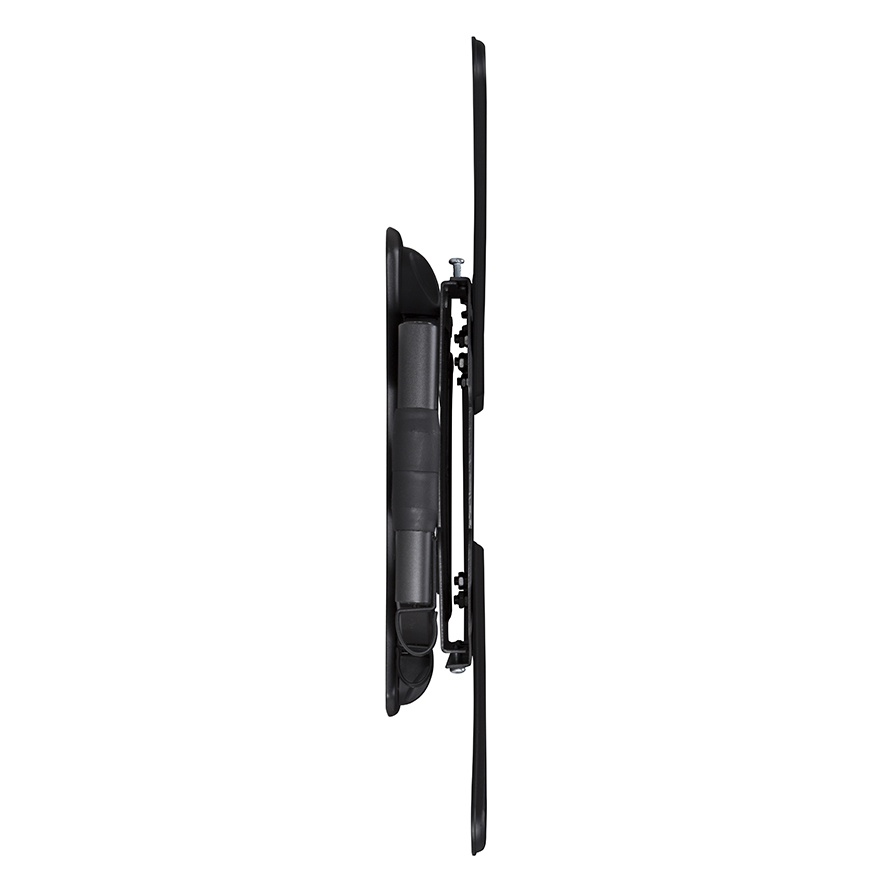
- Up to 15° adjustable tilt.
- Easy to install.
- Fixings included for Wood Stud & Solid Walls.
Scroll down for more information
-
Product Details
This Multi Position TV Wall Mount is engineered to provide a fully adjustable TV viewing experience, making it ideal for open plan living areas.
Impressive reach, swivel and tilt functions mean you can easily adjust your screen to achieve the perfect view from any angle and avoid light glare from windows. The articulating arm also makes it possible to mount your TV in a corner.
The Tilt function is great for raised TVs. Allowing you to angle the screen down for a more comfortable viewing experience, especially useful when mounting above entertainment centres or fireplaces.
The single stud wall mounting plate is easily concealed behind the TV, creating a clean and tidy finish. Plus, all fixing hardware for the TV, wood studs and solid walls is supplied in the box.
-
Video
https://www.youtube.com/watch?v=RhOZdAwJ77o
-
Specifications
Color Black
Recommended Screen Size 37 – 90" / 94 – 229cm
Max Screen Weight 150lb / 68kg
Compatible VESA Sizes 75 x 75mm, 100 x 100mm, 200 x 100mm, 200 x 200mm, 200 x 300mm, 300 x 100mm, 300 x 200mm, 300 x 250mm, 300 x 300mm, 400 x 100mm, 400 x 200mm, 400 x 300mm, 400 x 350mm, 400 x 400mm, 500 x 300mm, 600 x 100mm, 600 x 200mm, 600 x 300mm, 600 x 400mm
Mount Function Multi Position
Screen Tilt (Upward) 5°
Screen Tilt (Downward) 10°
Screen Turn 180°
Min Distance from Wall 2.05" / 5.2cm
Max Distance from Wall 19.79" / 50.27cm
On-Wall Leveling Yes
Patented Fingertip Tilt Yes
Tool-Free Adjustment Yes
-
TV Height Calculator
-
Downloads